

POP3
Stands for Post Office Protocol version 3.
POP3 is a legacy protocol for receiving emails. When configuring a new email account, you may have two options: POP3 or IMAP. POP3, the older protocol, downloads messages and removes them from the mail server. IMAP, a newer protocol, syncs messages on the client device with the server.
What does "POP3" Mean?
- Post Office: Just like your letters and packages await us in a post office box, POP3 acts as a temporary storage place for your emails until you fetch them.
- Protocol: Think of it as a set of rules, like the guidelines on how to address an envelope, ensuring your mail (in this case, email) arrives correctly.
- Version 3: POP3 is the third and latest version of this protocol, refined over time for improved mail retrieval.
When using POP3, emails are downloaded to your device and removed from the mail server. This process is similar to collecting mail from a post office box. Once you pick up your mail, it's no longer stored at the post office.
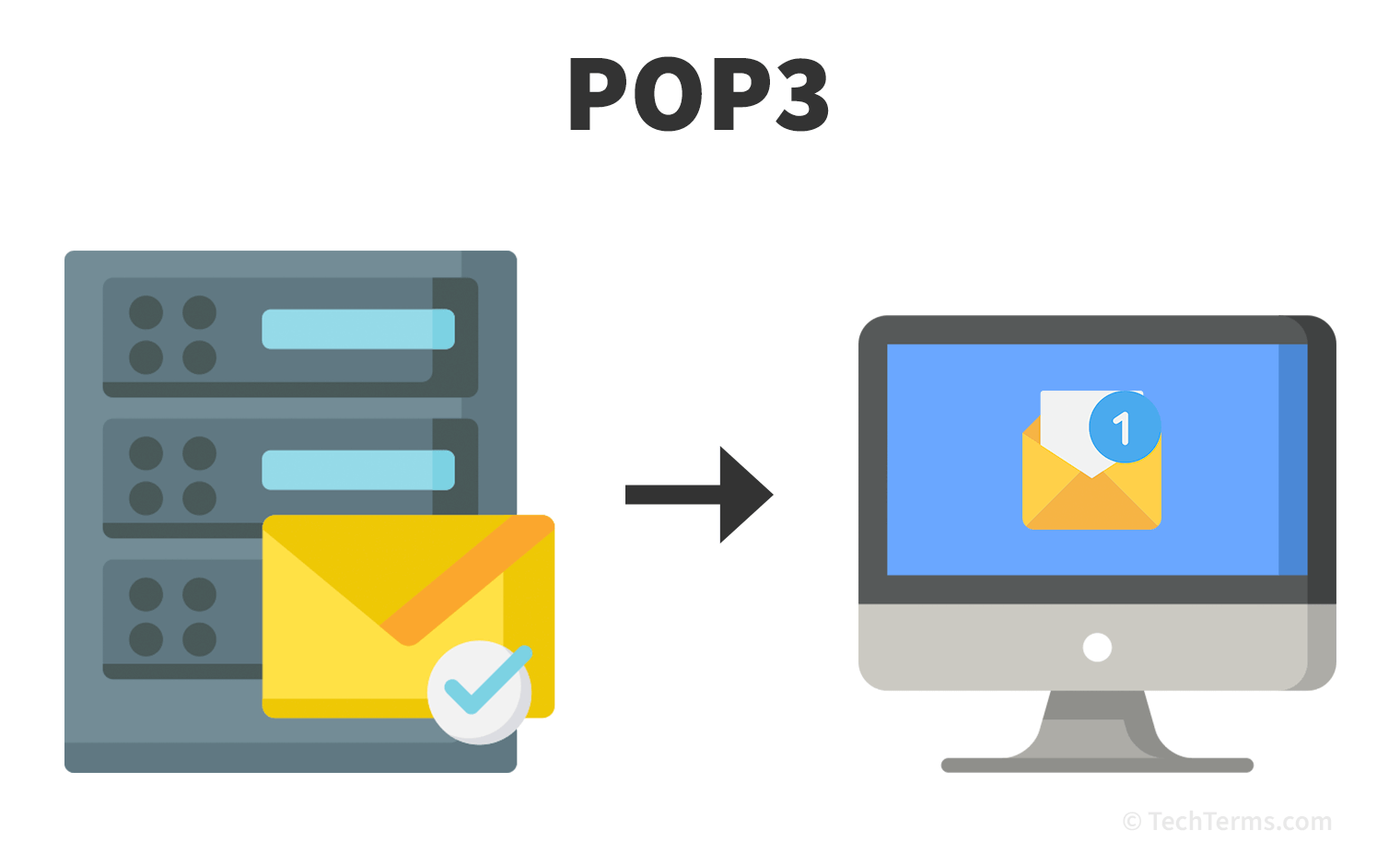
Today, it is common for users to synchronize email across multiple devices, such as a laptop, tablet, and smartphone. Therefore, POP3's download-and-remove method is not ideal. For instance, if you check your email on a computer, the downloaded emails will not appear on other devices, like your phone or tablet. IMAP (Internet Message Access Protocol) offers a distinct advantage since it keeps emails on the server after you read them, allowing for consistent access across various devices.
While POP3 was the standard email retrieval protocol from the 1970s through the 1990s, IMAP has largely replaced it. Since IMAP provides better syncing across devices, many email clients and webmail systems use IMAP as the default option.
 Test Your Knowledge