Plain Text
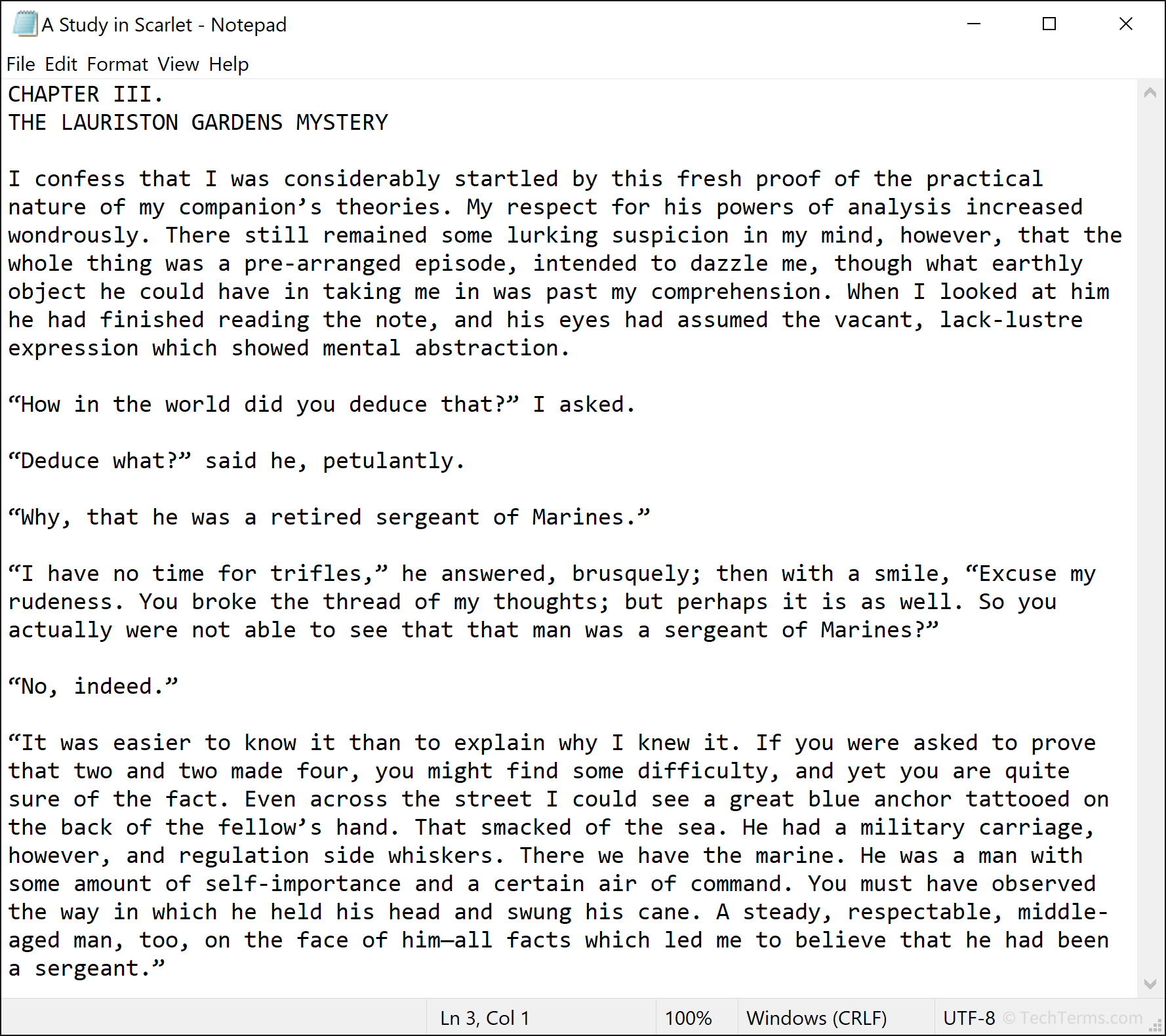
Plain text is digital text without any formatting. It includes only standard characters like letters, numbers, and punctuation symbols. Plain text lacks support for changing the font, text size, or style. It also does not allow other elements like tables or embedded images. It is one of two text types; the other, which does include formatting options, is known as rich text.
Plain text requires less data than rich text, which makes it the most efficient way to store text. ASCII has historically been the primary encoding method for plain text, but modern formats like UTF-8 and UTF-16, which support a wider character set, are increasingly common. These encoding methods can store most individual letters or symbols using only 1 or 2 bytes each. Computer programs save source code files, HTML and other markup language files, log files, and configuration files as plain text.
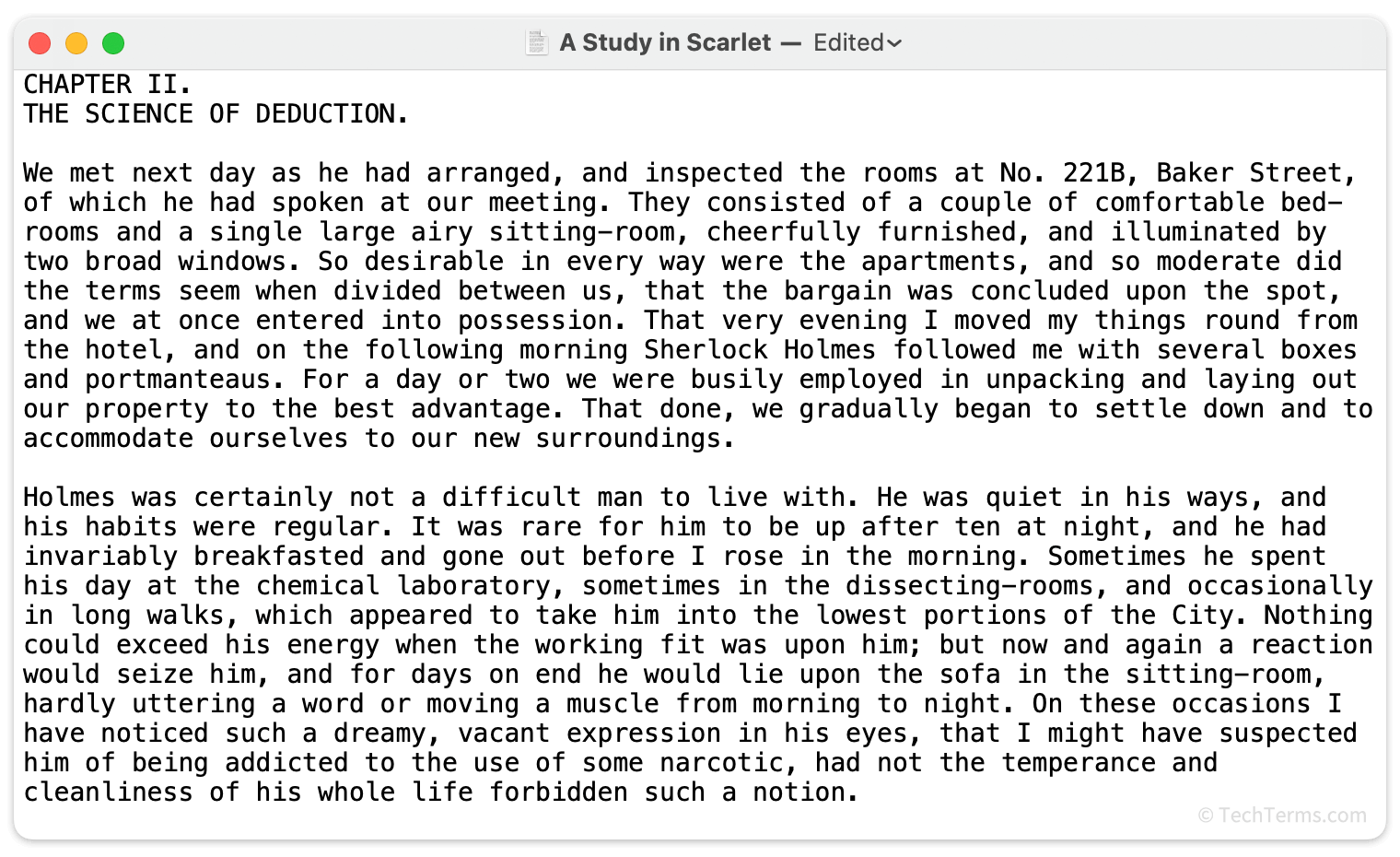
Most operating systems include at least one built-in plain text editor. Windows includes Notepad and macOS includes TextEdit, while Unix and Linux often come with multiple editors like Emacs, Nano, Pico, and Vim. Word processors can create and open plain text files or convert them to rich text, allowing you to add formatting; they can also strip formatting away from rich text to convert it to plain text. Advanced text editors designed for software and web developers include special features that automatically highlight specific syntax in programming languages. For example, a text editor designed for a web developer will automatically highlight HTML tags, links, and other code blocks to help them stand out.
NOTE: Plain text files use a wide variety of file extensions depending on their purpose. General text files use .TXT. Each programming and markup language uses its own extension, like .C, .PY, or .HTML. Common configuration file extensions include .CONF, .CFG, and .INI.
 Test Your Knowledge