

Keyboard Shortcut
A keyboard shortcut is a combination of keyboard keys that, when pressed simultaneously, performs a specific command. A shortcut typically combines one or more modifier keys with another key. Many keyboard shortcuts are universal across all apps on a platform, like + to save a file on Windows or + to save on macOS. Using a keyboard shortcut to perform a command can save you significant time since you don't need to navigate through an app's menus and dialog boxes.
Most common keyboard shortcuts combine one modifier key and one other key, typically a letter, number, or punctuation symbol. In some cases, adding a second or third modifier key to a keyboard shortcut changes it to perform a similar function. For example, in macOS, pressing + saves a file, while adding the key to that shortcut opens the Save As dialog box instead.
In addition to the universal set of shortcuts, most applications also include a unique set of keyboard shortcuts. You can find many of an app's keyboard shortcuts by opening menus in the app's menu bar. If a command has a keyboard shortcut assigned to it, that shortcut will appear next to the command's name.
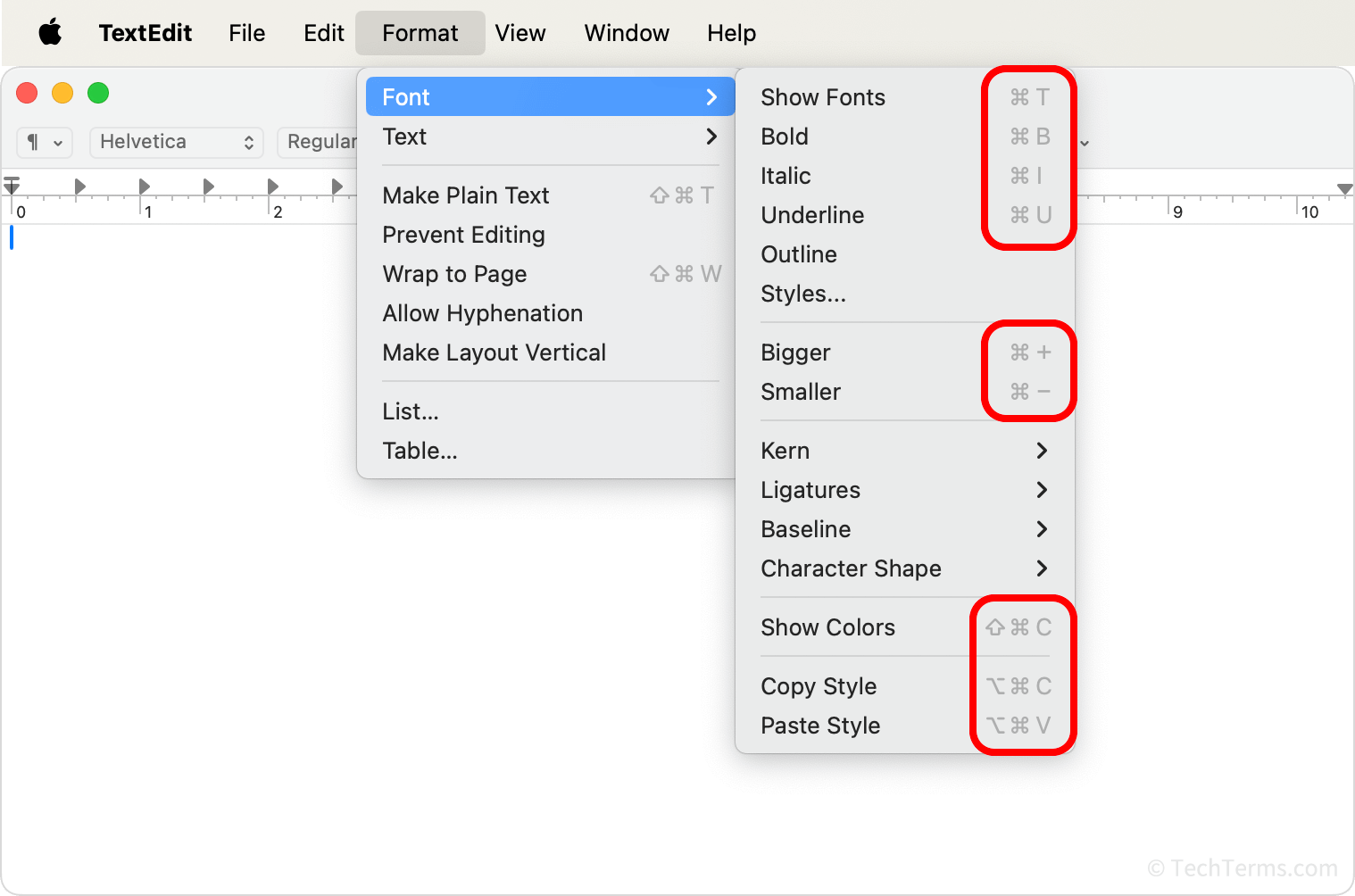
In many cases, the same keyboard shortcut triggered in different apps will perform different commands, so it's wise to consult menus or other documentation before using a new shortcut. For example, on macOS, pressing + in Safari creates a bookmark of the current page, while that same shortcut in Microsoft Word instead opens the Font properties dialog box.
To view a list of the most common keyboard shortcuts in macOS and Windows, view the pages below:
macOS Keyboard Shortcuts | Windows Keyboard Shortcuts
 Test Your Knowledge